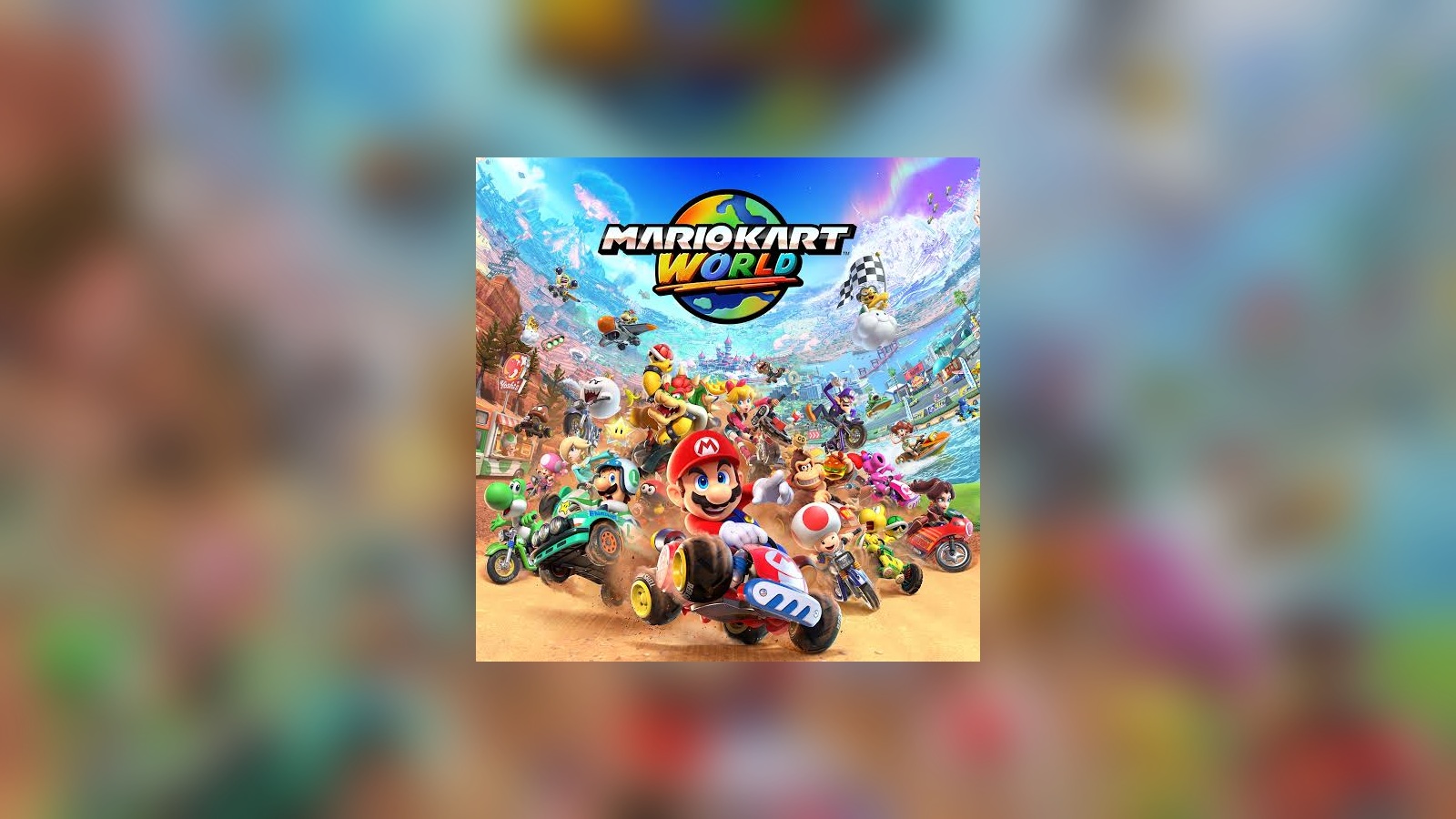
Mario Kart World Local Multiplayer Guide: 2–4 Players, Wireless Play & Rules
Mario Kart World local multiplayer guide covering one-system play for up to four players, Wireless Play, controller setup, race and battle rules, COM difficulty and custom item settings.
Mario Kart World Local Multiplayer Guide: 2–4 Players, Wireless Play & Rules
Mario Kart World Local Multiplayer Guide: 2–4 Players, Wireless Play & Rules
Mario Kart World supports several ways to play with people in the same room or nearby. Nintendo officially documents one-system multiplayer for up to four players as well as Wireless Play between multiple Nintendo Switch 2 systems.
One-System Multiplayer
Nintendo states that Mario Kart World supports two to four players on one Nintendo Switch 2 system.
This is the simplest option when everyone is playing on the same screen.
Start Local Multiplayer
- Start Mario Kart World.
- Press the L and R Buttons on the title screen.
- Select Multiplayer.
- Choose the number of players using the system.
- Connect and confirm the controllers.
Controller Options
Nintendo documents several supported controller arrangements for local play.
Players can use supported Joy-Con 2 configurations and compatible controllers.
Share a Joy-Con 2
Nintendo specifically supports multiplayer setups where individual Joy-Con 2 controllers are shared between players.
Choose Characters and Vehicles
After players join, select characters and vehicles before entering the chosen race or battle setup.
VS Race Rules
Nintendo's official multiplayer instructions allow several race settings to be adjusted.
- Engine class.
- Teams.
- Item rules.
- COM difficulty.
- Race count.
Custom Items
Mario Kart World supports custom item settings in supported VS Race setups.
This lets the host enable or disable individual items for the session.
Normal and Frantic Items
Nintendo also documents normal and frantic item options in multiplayer rules.
Use normal settings for a standard session and more chaotic settings when the group wants a less predictable race.
COM Difficulty
Computer-controlled racers can be adjusted in supported multiplayer setups.
Mixed-Skill Groups
If some players are new to Mario Kart, consider reducing COM difficulty rather than making the session unnecessarily frustrating.
Assistive Features
Nintendo documents assistive driving features including:
- Smart Steering.
- Auto-Accelerate.
- Auto-Use Item.
These can help less experienced players participate more comfortably.
Wireless Play
Mario Kart World also supports nearby multiplayer using multiple Nintendo Switch 2 systems.
This lets players compete on their own screens while remaining in the same location.
Keep Software Updated
Make sure participating systems are running current game software before starting Wireless Play.
Battle Modes
Mario Kart World multiplayer also includes battle options.
Nintendo's multiplayer documentation includes configurable battle rules for supported modes.
Set Rules Before Starting
For a smoother group session, decide in advance:
- Race or battle mode.
- Teams or free-for-all.
- Item settings.
- COM difficulty.
- How many races or rounds to play.
Do Not Change Every Rule After Every Race
A consistent ruleset gives newer players time to learn the game.
Same-System vs Wireless Play
Use one-system multiplayer when everyone is comfortable sharing one display.
Use Wireless Play when players want separate screens.
Local Multiplayer Routine
- Choose same-system or Wireless Play.
- Connect controllers or nearby systems.
- Select characters and vehicles.
- Choose race or battle mode.
- Set item and COM rules.
- Use assistive features where useful.
- Start with a short race set and adjust afterward.
Bottom Line
Mario Kart World supports flexible local multiplayer, from two to four people on one Nintendo Switch 2 to nearby Wireless Play across systems. Match the rules to the group's skill level and use assistive features when they make the session more enjoyable.