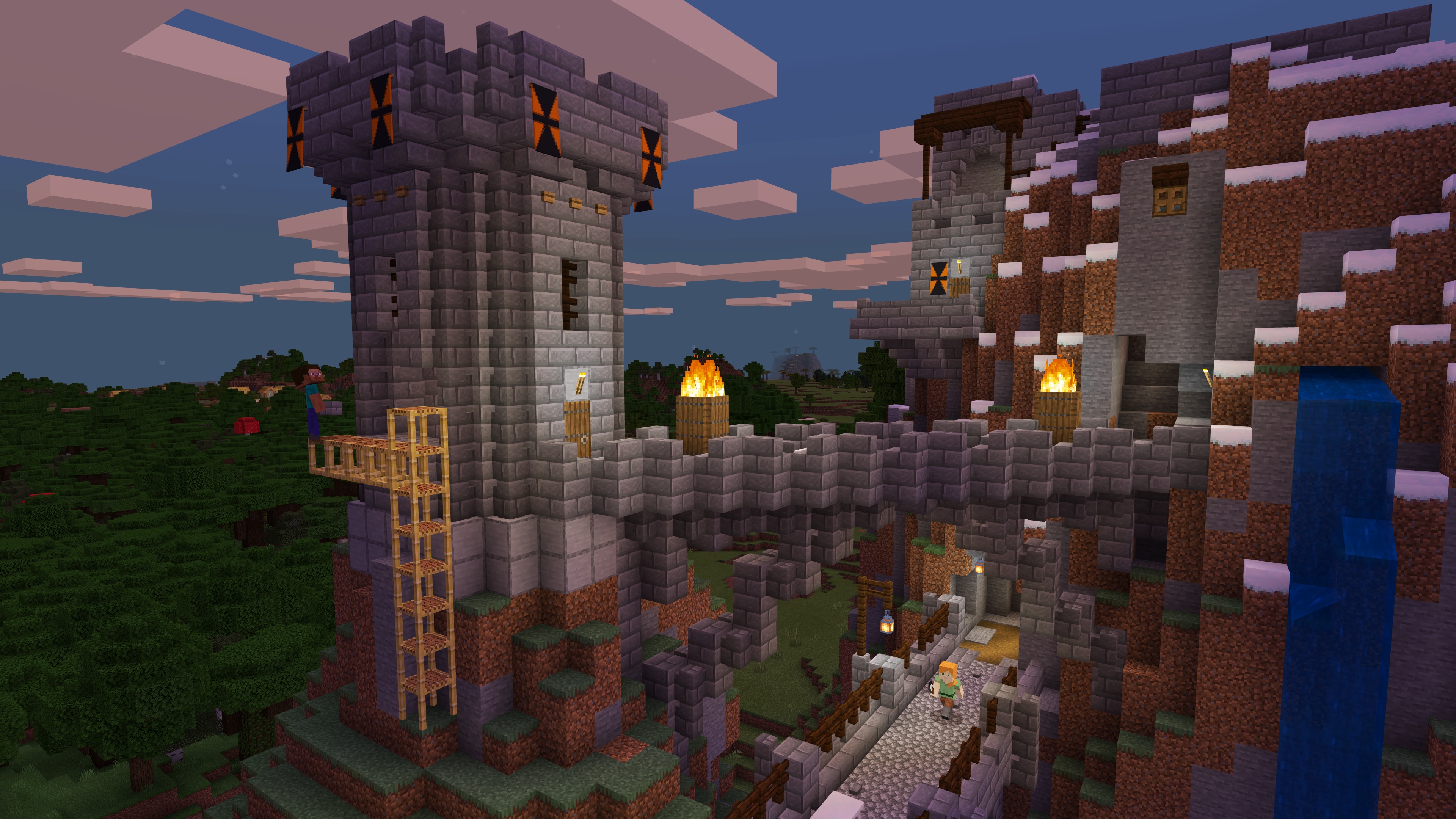
Minecraft Time and Weather Commands: /time, /weather & World Cycles
Minecraft Bedrock command guide covering /time, /weather, daylight and weather cycles, common time presets, clear/rain/thunder weather and how cheats and permissions affect command use.
Minecraft Time and Weather Commands: /time, /weather & World Cycles
Minecraft Time and Weather Commands: /time, /weather & World Cycles
Minecraft Bedrock Edition includes commands for directly changing the world's time and weather. Microsoft documents both the /time and /weather commands as part of the official Bedrock command system.
Before Using Commands
Most world-changing commands require the appropriate permissions, and many require cheats to be enabled.
Microsoft's official Minecraft documentation recommends enabling cheats in the world settings before working with commands.
Open Chat
Commands typed manually are entered through Minecraft's chat interface.
Commands begin with a forward slash.
The /time Command
The /time command changes or queries the world's game time.
Microsoft documents common time presets that can be used with /time set.
Set the World to Day
Use:
/time set day
Set the World to Noon
Use:
/time set noon
Set the World to Night
Use:
/time set night
Set the World to Midnight
Use:
/time set midnight
Sunrise and Sunset
Microsoft's Bedrock command documentation also supports named presets including:
- sunrise
- sunset
For example:
/time set sunrise
Numeric Time Values
The /time command can also use integer values when you need more precise control.
Named presets are usually easier when you simply want day, night, noon or another common state.
Add Time Instead of Replacing It
The command system also supports adding an amount of time rather than replacing the current time outright.
This is useful when you want to move the world's clock forward while preserving its general progression.
Daylight Cycle
Changing the current time does not necessarily stop Minecraft's normal day-night cycle.
The game rule controlling that behavior is:
doDaylightCycle
Freeze or Resume the Day Cycle
The /gamerule system can control whether the day-night cycle continues moving.
Microsoft identifies doDaylightCycle as the rule that determines whether time passes normally.
Do Not Confuse Setting Time With Freezing Time
Using /time set night changes the current time.
It does not automatically mean the world will remain nighttime forever.
The /weather Command
Microsoft documents the /weather command as the command used to set the weather in the environment.
Clear Weather
Use:
/weather clear
Rain
Use:
/weather rain
Microsoft notes that rain can appear as snow in cold biomes.
Thunder
Use:
/weather thunder
Thunder produces storm conditions and can produce blizzard-style weather in cold biomes.
Query the Current Weather
The Bedrock command reference also supports:
/weather query
This queries the current weather state.
Optional Weather Duration
The /weather command can accept an optional duration.
If you do not specify one, Minecraft determines the duration according to the command's normal behavior.
Weather Cycle
The normal weather system is controlled by the game rule:
doWeatherCycle
Microsoft describes this rule as controlling whether weather changes naturally.
Setting Weather vs Controlling the Cycle
These are two different actions:
- /weather changes the current weather.
- doWeatherCycle controls whether weather continues changing naturally.
Useful Command Combinations
If you are preparing a build, screenshot or test world, you may want a predictable environment.
For example, you could:
- Set the time to day.
- Set the weather to clear.
- Adjust the daylight or weather cycle if you need the conditions to remain stable.
Use /help When You Forget Syntax
Minecraft includes an official built-in help command.
Use:
/help
to view available command help.
You can also use:
/help time
or:
/help weather
to review syntax inside the game.
Command Permissions
If a command does not work, check:
- Whether cheats are enabled.
- Whether your player has sufficient permissions.
- Whether the command is supported in the edition you are playing.
- Whether the syntax was entered correctly.
Bedrock vs Java
This guide is based on Microsoft's official Minecraft Bedrock Edition command documentation.
Java Edition command syntax and behavior can differ, so do not assume every Bedrock example works identically in Java.
Common Mistakes
- Forgetting the leading slash.
- Trying to use a command without sufficient permission.
- Setting the time but expecting the day cycle to stop automatically.
- Setting clear weather but leaving the normal weather cycle active.
- Copying Java Edition syntax into Bedrock without checking compatibility.
Quick Command Reference
/time set day— set daytime./time set noon— set noon./time set night— set nighttime./time set midnight— set midnight./weather clear— clear weather./weather rain— start rain or biome-appropriate precipitation./weather thunder— start thunder weather./weather query— check current weather.
Bottom Line
Minecraft Bedrock gives you separate controls for current time, current weather and the cycles that normally change them. Use /time for the clock, /weather for current conditions and the related game rules when you need the environment to remain stable.