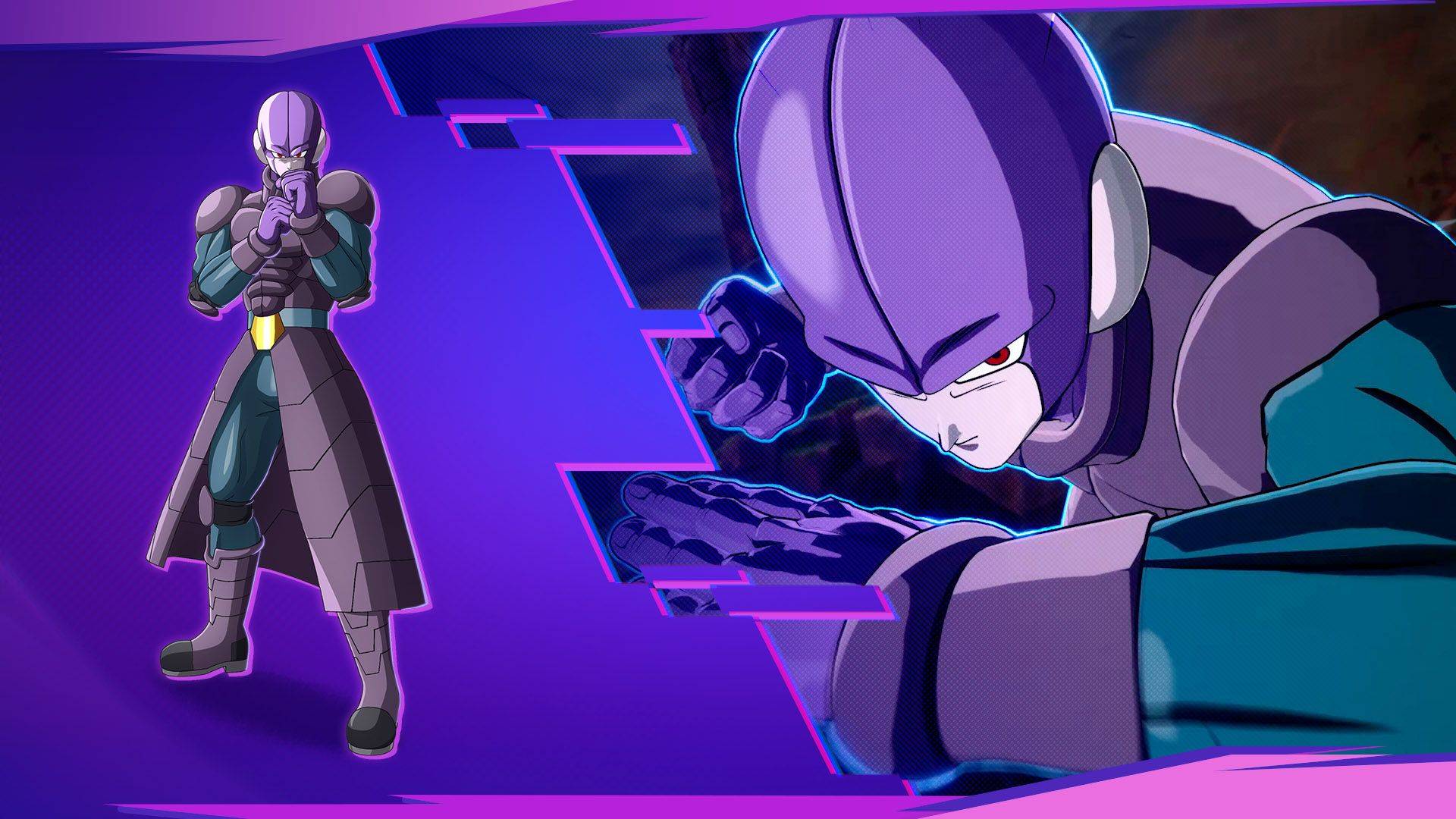
Hit is a fighter in Dragon Ball: Sparking! ZERO. This page collects the published moves, skills and special abilities currently available in GetCheatBeacon's character database.
5 ability entries2 Skills1 Ultimate2 Supers
Sparking ZERO controls: Each form has its own Skill 1, Skill 2, two Supers and Ultimate. Standard and Classic are different layouts; use the scheme named on the entry. Ultimates require Sparking Mode. Costume variants can replace attacks. PS5, Xbox and PC labels do not establish Switch bindings; consult the on-screen battle prompt for that platform.
Skills
2
Ki Clone
Skill
Controls: PS5 / Xbox — Standard and Classic; PC keyboard — default
How it is used
Standard — PS5: R2 + D-Pad Up/Down | Xbox: RT + D-Pad Up/Down | PC: 1 | Classic — PS5 / Xbox: L2 + Circle / LT + B
Verified character-specific move in Dragon Ball: Sparking! ZERO.
Command details & verification
Control layouts checked against the publisher’s diagram and the Destructoid control reference. https://www.destructoid.com/dragon-ball-sparking-zero-full-controls-guide/ . Switch bindings and all costume replacements remain outside the verified mapping.
Controls: PS5 / Xbox — Standard and Classic; PC keyboard — default
How it is used
Standard — PS5: R2 + D-Pad Left/Right | Xbox: RT + D-Pad Left/Right | PC: 2 | Classic — PS5 / Xbox: L2 + Up + Circle / LT + Up + B
Verified character-specific move in Dragon Ball: Sparking! ZERO.
Command details & verification
Control layouts checked against the publisher’s diagram and the Destructoid control reference. https://www.destructoid.com/dragon-ball-sparking-zero-full-controls-guide/ . Switch bindings and all costume replacements remain outside the verified mapping.
Controls: PS5 / Xbox — Standard and Classic; PC keyboard — default
How it is used
Standard — PS5: R2 + Circle | Xbox: RT + B | PC: 5 — requires Sparking Mode | Classic — PS5 / Xbox: L2 + Down + Triangle / LT + Down + Y; requires Sparking Mode
Verified character-specific move in Dragon Ball: Sparking! ZERO.
Command details & verification
Control layouts checked against the publisher’s diagram and the Destructoid control reference. https://www.destructoid.com/dragon-ball-sparking-zero-full-controls-guide/ . Switch bindings and all costume replacements remain outside the verified mapping.
Controls: PS5 / Xbox — Standard and Classic; PC keyboard — default
How it is used
Standard — PS5: R2 + Square | Xbox: RT + X | PC: 3 | Classic — PS5 / Xbox: L2 + Triangle / LT + Y
Verified character-specific move in Dragon Ball: Sparking! ZERO.
Command details & verification
Control layouts checked against the publisher’s diagram and the Destructoid control reference. https://www.destructoid.com/dragon-ball-sparking-zero-full-controls-guide/ . Switch bindings and all costume replacements remain outside the verified mapping.
Controls: PS5 / Xbox — Standard and Classic; PC keyboard — default
How it is used
Standard — PS5: R2 + Triangle | Xbox: RT + Y | PC: 4 | Classic — PS5 / Xbox: L2 + Up + Triangle / LT + Up + Y
Verified character-specific move in Dragon Ball: Sparking! ZERO.
Command details & verification
Control layouts checked against the publisher’s diagram and the Destructoid control reference. https://www.destructoid.com/dragon-ball-sparking-zero-full-controls-guide/ . Switch bindings and all costume replacements remain outside the verified mapping.