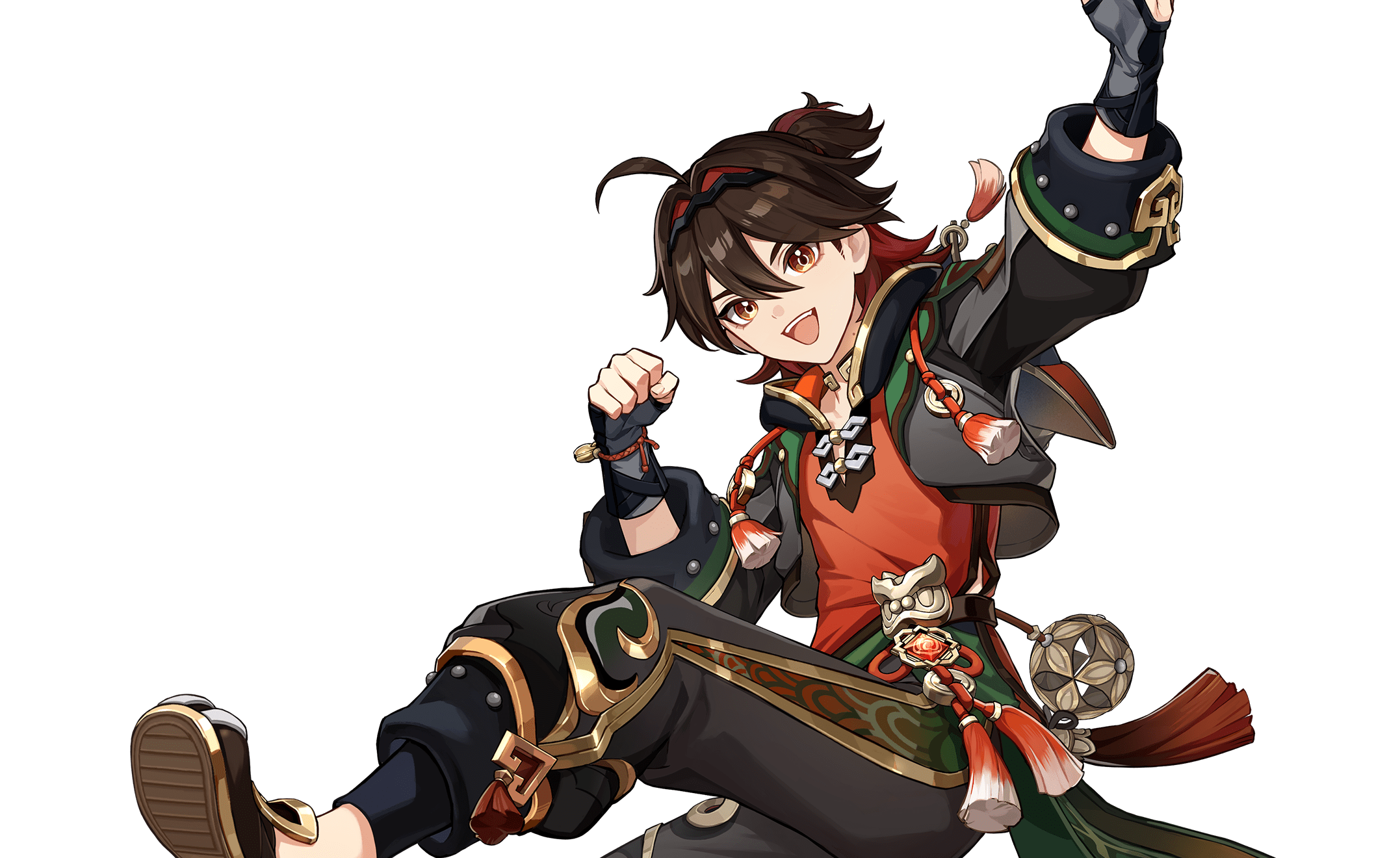
Gaming Genshin Impact character artwork
Genshin Impact Talents & Skills Guide

Gaming talents, skills, passives and Constellations

Talents & Skills Guide

Pounces and leaps on contact, enabling an enhanced Pyro plunge that consumes HP without dropping him below 10%. Heals Gaming and summons Man Chai for Pyro damage; its return resets his skill, enabling repeat leaps while conditions hold.

12 ability entries1 Normal Attack1 Elemental Skill1 Elemental Burst3 Passive Talent6 Constellation
Talent controls: Normal Attack, Elemental Skill and Elemental Burst have separate buttons. Tap, hold, recast and airborne requirements vary by talent. Passives and Constellations trigger through their listed conditions; they do not have separate activation commands. Energy, cooldown and unlock requirements appear with the talent.

Normal Attack

1
Stellar Rend
Normal Attack
Controls: PC keyboard/mouse / PlayStation / Xbox / mobile — default bindings
How it is used
PC: Left Mouse Button | PlayStation: Circle | Xbox: B | Mobile: Attack icon. Charged attack: hold Attack where supported; plunging attack: press Attack while airborne.

Basic attacks form a 4-hit sequence. Charging produces sustained spinning strikes. Plunging damages enemies on landing.

Cooldown / cost: Charged Attack Stamina Cost: 40.0/s

Command details & verification
Concise gameplay summary. Talent identity and mechanics checked against the linked HoYoWiki character record.
Elemental Skill

1
Bestial Ascent
Elemental Skill
Controls: PC keyboard/mouse / PlayStation / Xbox / mobile — default bindings
How it is used
PC: E | PlayStation: R2 | Xbox: RT | Mobile: Elemental Skill icon. Use the tap, hold or recast variant described for this talent.

Pounces and leaps on contact, enabling an enhanced Pyro plunge that consumes HP without dropping him below 10%.

Cooldown / cost: CD: 6.0s

Command details & verification
Concise gameplay summary. Talent identity and mechanics checked against the linked HoYoWiki character record.

Elemental Burst

1
Suanni's Gilded Dance
Elemental Burst
Controls: PC keyboard/mouse / PlayStation / Xbox / mobile — default bindings
How it is used
PC: Q | PlayStation: Triangle | Xbox: Y | Mobile: Elemental Burst icon. Requires sufficient Energy and an available cooldown.

Heals Gaming and summons Man Chai for Pyro damage; its return resets his skill, enabling repeat leaps while conditions hold.

Cooldown / cost: CD: 15.0s; Energy Cost: 60

Command details & verification
Concise gameplay summary. Talent identity and mechanics checked against the linked HoYoWiki character record.

Passive Talent

3
Dance of Amity
Passive Talent
Controls: PC keyboard/mouse / PlayStation / Xbox / mobile — default bindings
How it is used
Automatic effect; no separate button sequence. Requires the listed talent unlock or trigger.

An enhanced plunge hit triggers a short series of maximum-HP-based self-heals.

Command details & verification
Concise gameplay summary. Talent identity and mechanics checked against the linked HoYoWiki character record.
Air of Prosperity
Passive Talent
Controls: PC keyboard/mouse / PlayStation / Xbox / mobile — default bindings
How it is used
Automatic effect; no separate button sequence. Requires the listed talent unlock or trigger.

Below half HP, receives more healing; at half HP or higher, enhanced plunges deal more damage.

Command details & verification
Concise gameplay summary. Talent identity and mechanics checked against the linked HoYoWiki character record.
The Striding Beast
Passive Talent
Controls: PC keyboard/mouse / PlayStation / Xbox / mobile — default bindings
How it is used
Automatic effect; no separate button sequence. Requires the listed talent unlock or trigger.

Grants 10% daytime party movement speed outside Domains and Spiral Abyss; equivalent bonuses do not stack.

Command details & verification
Concise gameplay summary. Talent identity and mechanics checked against the linked HoYoWiki character record.

Constellation

6
Bringer of Blessing
Constellation
Controls: PC keyboard/mouse / PlayStation / Xbox / mobile — default bindings
How it is used
Automatic effect; no separate button sequence. Unlock the corresponding Constellation level.

Man Chai's return heals Gaming for 15% HP.

Requirements / unlock: Constellation 1

Command details & verification
Concise gameplay summary. Talent identity and mechanics checked against the linked HoYoWiki character record.
Plum Blossoms Underfoot
Constellation
Controls: PC keyboard/mouse / PlayStation / Xbox / mobile — default bindings
How it is used
Automatic effect; no separate button sequence. Unlock the corresponding Constellation level.

Overflow healing grants a five-second attack bonus.

Requirements / unlock: Constellation 2

Command details & verification
Concise gameplay summary. Talent identity and mechanics checked against the linked HoYoWiki character record.
Awakening Spirit
Constellation
Controls: PC keyboard/mouse / PlayStation / Xbox / mobile — default bindings
How it is used
Automatic effect; no separate button sequence. Unlock the corresponding Constellation level.

Adds three talent levels to Bestial Ascent, with a maximum level of 15.

Requirements / unlock: Constellation 3

Command details & verification
Concise gameplay summary. Talent identity and mechanics checked against the linked HoYoWiki character record.
Soar Across Mountains
Constellation
Controls: PC keyboard/mouse / PlayStation / Xbox / mobile — default bindings
How it is used
Automatic effect; no separate button sequence. Unlock the corresponding Constellation level.

Enhanced plunge hits restore two energy, subject to a short trigger interval.

Requirements / unlock: Constellation 4

Command details & verification
Concise gameplay summary. Talent identity and mechanics checked against the linked HoYoWiki character record.
Evil-Daunting Roar
Constellation
Controls: PC keyboard/mouse / PlayStation / Xbox / mobile — default bindings
How it is used
Automatic effect; no separate button sequence. Unlock the corresponding Constellation level.

Adds three talent levels to Suanni's Gilded Dance, with a maximum level of 15.

Requirements / unlock: Constellation 5

Command details & verification
Concise gameplay summary. Talent identity and mechanics checked against the linked HoYoWiki character record.
To Tame All Beasts
Constellation
Controls: PC keyboard/mouse / PlayStation / Xbox / mobile — default bindings
How it is used
Automatic effect; no separate button sequence. Unlock the corresponding Constellation level.

Enhanced plunges gain critical rate, critical damage and a larger impact area.

Requirements / unlock: Constellation 6

Command details & verification
Concise gameplay summary. Talent identity and mechanics checked against the linked HoYoWiki character record.

Plan a team around these talents

Read the Elemental Skill and Burst separately from passive talents and Constellations. A listed Constellation effect should only be included in your plan when unlocked.

GetCheatBeacon's practical checklist for Gaming:

  • Which talent needs field time, and which can contribute after switching characters?
  • What Energy, cooldown or unlock requirements are listed for the effect you want?
  • Which teammate covers the gap in your current party?
  • Test a rotation you can repeat before investing further. This reference is not a ranked artifact or weapon build.

Read the related game guide →