Home›Games›Street Fighter 6›Kimberly
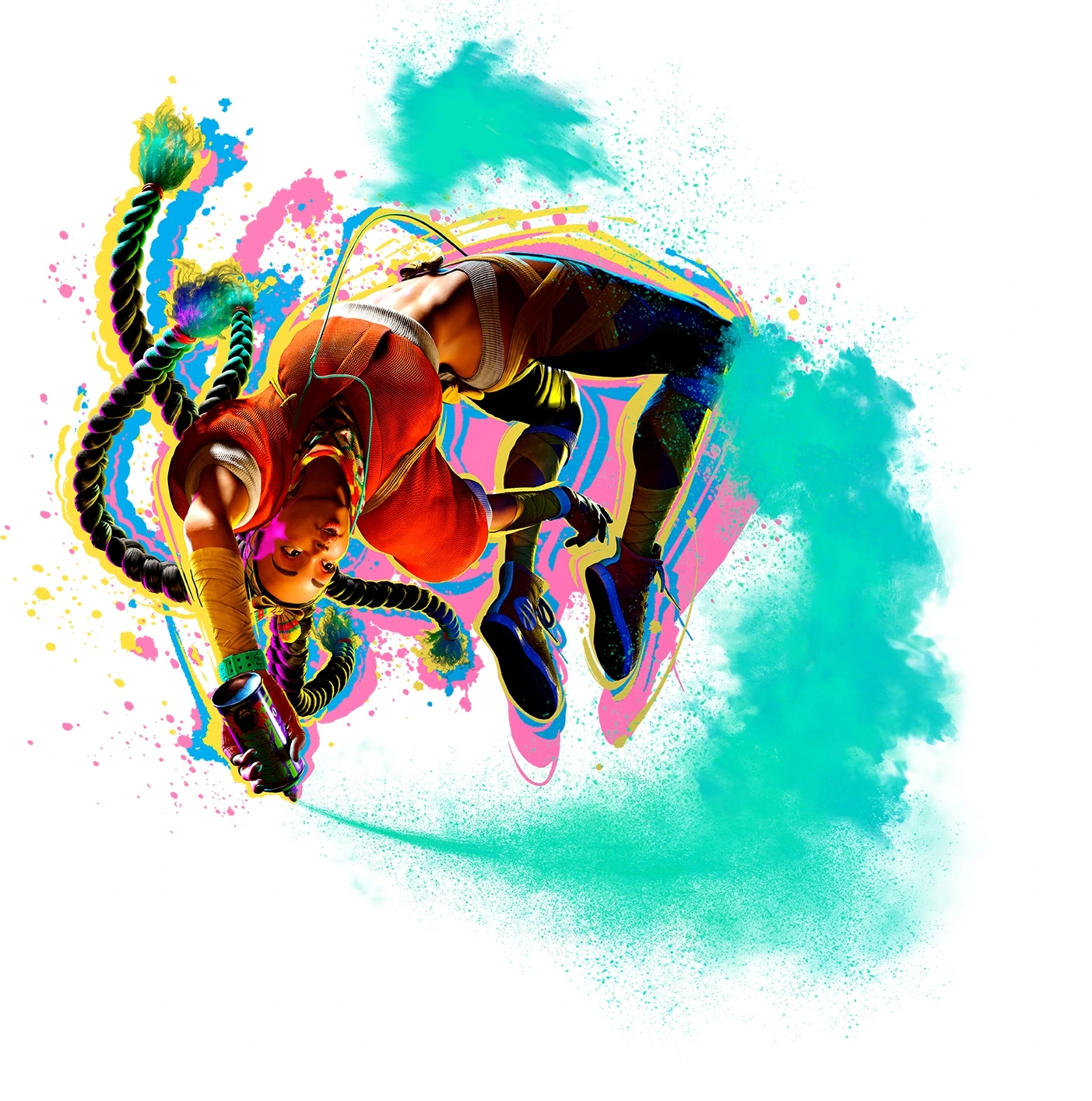
Kimberly Street Fighter 6 fighter artwork
Street Fighter 6 Move & Ability Guide

Kimberly moves, skills and special abilities

Move & Ability Guide

Street Fighter 6 base-roster fighter.

44 ability entries18 Basic Attacks8 Unique Attacks12 Special Moves3 Super Arts3 Throws
Street Fighter inputs: Forward means toward the opponent; Back means away. Reverse horizontal directions when facing left. A comma or → separates steps; + means press together. Use your assigned buttons if controls were remapped. Keypad directions: 1 Down-Back, 2 Down, 3 Down-Forward, 4 Back, 5 neutral, 6 Forward, 7 Up-Back, 8 Up, 9 Up-Forward. P/K = Punch/Kick; L/M/H = Light/Medium/Heavy; PP/KK = two punch/kick buttons together. [direction] means hold to charge. 236 = quarter-circle forward; 214 = quarter-circle back; 623 = Forward, Down, Down-Forward. Classic uses six attack buttons. Modern uses Light (PS Square / Xbox X), Medium (Cross / A), Heavy (Circle / B), Special (Triangle / Y), and Assist (R2 / RT). Modern shortcuts and available normals vary by fighter; Classic commands are labeled and must not be assumed to be Modern shortcuts.

Basic Attacks

18
Standing Light Punch
basic_attack
Controls: SF6 Classic controls
How it is used
5LP
Read as: neutral + Light Punch

Common standing normal-attack input. This entry describes the control, not character-specific damage or frame data.

Requirements / unlock: Standing; use neutral direction.

Command details & verification
Classic has six attack buttons. Modern does not expose every Classic normal directly; check the character’s Modern command list rather than substituting a button.
Standing Light Kick
basic_attack
Controls: SF6 Classic controls
How it is used
5LK
Read as: neutral + Light Kick

Common standing normal-attack input. This entry describes the control, not character-specific damage or frame data.

Requirements / unlock: Standing; use neutral direction.

Command details & verification
Classic has six attack buttons. Modern does not expose every Classic normal directly; check the character’s Modern command list rather than substituting a button.
Standing Medium Punch
basic_attack
Controls: SF6 Classic controls
How it is used
5MP
Read as: neutral + Medium Punch

Common standing normal-attack input. This entry describes the control, not character-specific damage or frame data.

Requirements / unlock: Standing; use neutral direction.

Command details & verification
Classic has six attack buttons. Modern does not expose every Classic normal directly; check the character’s Modern command list rather than substituting a button.
Standing Medium Kick
basic_attack
Controls: SF6 Classic controls
How it is used
5MK
Read as: neutral + Medium Kick

Common standing normal-attack input. This entry describes the control, not character-specific damage or frame data.

Requirements / unlock: Standing; use neutral direction.

Command details & verification
Classic has six attack buttons. Modern does not expose every Classic normal directly; check the character’s Modern command list rather than substituting a button.
Standing Heavy Punch
basic_attack
Controls: SF6 Classic controls
How it is used
5HP
Read as: neutral + Heavy Punch

Common standing normal-attack input. This entry describes the control, not character-specific damage or frame data.

Requirements / unlock: Standing; use neutral direction.

Command details & verification
Classic has six attack buttons. Modern does not expose every Classic normal directly; check the character’s Modern command list rather than substituting a button.
Standing Heavy Kick
basic_attack
Controls: SF6 Classic controls
How it is used
5HK
Read as: neutral + Heavy Kick

Common standing normal-attack input. This entry describes the control, not character-specific damage or frame data.

Requirements / unlock: Standing; use neutral direction.

Command details & verification
Classic has six attack buttons. Modern does not expose every Classic normal directly; check the character’s Modern command list rather than substituting a button.
Crouching Light Punch
basic_attack
Controls: SF6 Classic controls
How it is used
2LP
Read as: Down + Light Punch

Common crouching normal-attack input. This entry describes the control, not character-specific damage or frame data.

Requirements / unlock: Crouching.

Command details & verification
Classic has six attack buttons. Modern does not expose every Classic normal directly; check the character’s Modern command list rather than substituting a button.
Crouching Light Kick
basic_attack
Controls: SF6 Classic controls
How it is used
2LK
Read as: Down + Light Kick

Common crouching normal-attack input. This entry describes the control, not character-specific damage or frame data.

Requirements / unlock: Crouching.

Command details & verification
Classic has six attack buttons. Modern does not expose every Classic normal directly; check the character’s Modern command list rather than substituting a button.
Crouching Medium Punch
basic_attack
Controls: SF6 Classic controls
How it is used
2MP
Read as: Down + Medium Punch

Common crouching normal-attack input. This entry describes the control, not character-specific damage or frame data.

Requirements / unlock: Crouching.

Command details & verification
Classic has six attack buttons. Modern does not expose every Classic normal directly; check the character’s Modern command list rather than substituting a button.
Crouching Medium Kick
basic_attack
Controls: SF6 Classic controls
How it is used
2MK
Read as: Down + Medium Kick

Common crouching normal-attack input. This entry describes the control, not character-specific damage or frame data.

Requirements / unlock: Crouching.

Command details & verification
Classic has six attack buttons. Modern does not expose every Classic normal directly; check the character’s Modern command list rather than substituting a button.
Crouching Heavy Punch
basic_attack
Controls: SF6 Classic controls
How it is used
2HP
Read as: Down + Heavy Punch

Common crouching normal-attack input. This entry describes the control, not character-specific damage or frame data.

Requirements / unlock: Crouching.

Command details & verification
Classic has six attack buttons. Modern does not expose every Classic normal directly; check the character’s Modern command list rather than substituting a button.
Crouching Heavy Kick
basic_attack
Controls: SF6 Classic controls
How it is used
2HK
Read as: Down + Heavy Kick

Common crouching normal-attack input. This entry describes the control, not character-specific damage or frame data.

Requirements / unlock: Crouching.

Command details & verification
Classic has six attack buttons. Modern does not expose every Classic normal directly; check the character’s Modern command list rather than substituting a button.
Jumping Light Punch
basic_attack
Controls: SF6 Classic controls
How it is used
During a jump: LP
Read as: During a jump: Light Punch

Common jumping normal-attack input. This entry describes the control, not character-specific damage or frame data.

Requirements / unlock: Airborne.

Command details & verification
Classic has six attack buttons. Modern does not expose every Classic normal directly; check the character’s Modern command list rather than substituting a button.
Jumping Light Kick
basic_attack
Controls: SF6 Classic controls
How it is used
During a jump: LK
Read as: During a jump: Light Kick

Common jumping normal-attack input. This entry describes the control, not character-specific damage or frame data.

Requirements / unlock: Airborne.

Command details & verification
Classic has six attack buttons. Modern does not expose every Classic normal directly; check the character’s Modern command list rather than substituting a button.
Jumping Medium Punch
basic_attack
Controls: SF6 Classic controls
How it is used
During a jump: MP
Read as: During a jump: Medium Punch

Common jumping normal-attack input. This entry describes the control, not character-specific damage or frame data.

Requirements / unlock: Airborne.

Command details & verification
Classic has six attack buttons. Modern does not expose every Classic normal directly; check the character’s Modern command list rather than substituting a button.
Jumping Medium Kick
basic_attack
Controls: SF6 Classic controls
How it is used
During a jump: MK
Read as: During a jump: Medium Kick

Common jumping normal-attack input. This entry describes the control, not character-specific damage or frame data.

Requirements / unlock: Airborne.

Command details & verification
Classic has six attack buttons. Modern does not expose every Classic normal directly; check the character’s Modern command list rather than substituting a button.
Jumping Heavy Punch
basic_attack
Controls: SF6 Classic controls
How it is used
During a jump: HP
Read as: During a jump: Heavy Punch

Common jumping normal-attack input. This entry describes the control, not character-specific damage or frame data.

Requirements / unlock: Airborne.

Command details & verification
Classic has six attack buttons. Modern does not expose every Classic normal directly; check the character’s Modern command list rather than substituting a button.
Jumping Heavy Kick
basic_attack
Controls: SF6 Classic controls
How it is used
During a jump: HK
Read as: During a jump: Heavy Kick

Common jumping normal-attack input. This entry describes the control, not character-specific damage or frame data.

Requirements / unlock: Airborne.

Command details & verification
Classic has six attack buttons. Modern does not expose every Classic normal directly; check the character’s Modern command list rather than substituting a button.

Unique Attacks

8
Water Slicer Slide
unique_attack
Controls: SF6 Classic notation
How it is used
Down-Forward + Medium Kick

Street Fighter 6 unique attack or target sequence.

Tip: Use the listed Classic control notation.
SF6 Year 4 reference check — September 2026Source ↗
Windmill Kick
unique_attack
Controls: SF6 Classic notation
How it is used
Back + Heavy Kick

Street Fighter 6 unique attack or target sequence.

Tip: Use the listed Classic control notation.
SF6 Year 4 reference check — September 2026Source ↗
Hisen Kick
unique_attack
Controls: SF6 Classic notation
How it is used
Forward + Heavy Kick

Street Fighter 6 unique attack or target sequence.

Tip: Use the listed Classic control notation.
SF6 Year 4 reference check — September 2026Source ↗
Elbow Drop
unique_attack
Controls: SF6 Classic notation
How it is used
Down + Medium Punch (at peak of forward jump)

Street Fighter 6 unique attack or target sequence.

Tip: Use the listed Classic control notation.
SF6 Year 4 reference check — September 2026Source ↗
Bushin Tiger Fangs
unique_attack
Controls: SF6 Classic notation
How it is used
Medium Punch > Heavy Punch

Street Fighter 6 unique attack or target sequence.

Tip: Use the listed Classic control notation.
SF6 Year 4 reference check — September 2026Source ↗
Bushin Prism Strikes
unique_attack
Controls: SF6 Classic notation
How it is used
Light Punch > Medium Punch > Heavy Punch > Heavy Kick

Street Fighter 6 unique attack or target sequence.

Tip: Use the listed Classic control notation.
SF6 Year 4 reference check — September 2026Source ↗
Bushin Hellchain
unique_attack
Controls: SF6 Classic notation
How it is used
Light Punch > Medium Punch > Down + Heavy Punch > Heavy Kick

Street Fighter 6 unique attack or target sequence.

Tip: Use the listed Classic control notation.
SF6 Year 4 reference check — September 2026Source ↗
Bushin Hellchain Throw
unique_attack
Controls: SF6 Classic notation
How it is used
Light Punch > Medium Punch > Down + Heavy Punch > Down + Heavy Kick

Street Fighter 6 unique attack or target sequence.

Tip: Use the listed Classic control notation.
SF6 Year 4 reference check — September 2026Source ↗

Special Moves

12
Bushin Senpukyaku
special_move
Controls: SF6 Classic notation
How it is used
214K
Read as: Down → Down-Back → Back + Kick

Street Fighter 6 special move.

Tip: Use the listed Classic control notation. Strength variants may change speed, range, damage, or properties.
SF6 Year 4 reference check — September 2026Source ↗
Aerial Bushin Senpukyaku
special_move
Controls: SF6 Classic notation
How it is used
214K (Air)
Read as: Down → Down-Back → Back + Kick (Air)

Street Fighter 6 special move.

Tip: Use the listed Classic control notation. Strength variants may change speed, range, damage, or properties.
SF6 Year 4 reference check — September 2026Source ↗
Sprint
special_move
Controls: SF6 Classic notation
How it is used
236K
Read as: Down → Down-Forward → Forward + Kick

Street Fighter 6 special move.

Tip: Use the listed Classic control notation. Strength variants may change speed, range, damage, or properties.
SF6 Year 4 reference check — September 2026Source ↗
Emergency Stop
special_move
Controls: SF6 Classic notation
How it is used
During Sprint: P
Read as: During Sprint: Punch

Street Fighter 6 special move.

Tip: Use the listed Classic control notation. Strength variants may change speed, range, damage, or properties.
SF6 Year 4 reference check — September 2026Source ↗
Torso Cleaver
special_move
Controls: SF6 Classic notation
How it is used
During Sprint: LK
Read as: During Sprint: Light Kick

Street Fighter 6 special move.

Tip: Use the listed Classic control notation. Strength variants may change speed, range, damage, or properties.
SF6 Year 4 reference check — September 2026Source ↗
Shadow Slide
special_move
Controls: SF6 Classic notation
How it is used
During Sprint: MK
Read as: During Sprint: Medium Kick

Street Fighter 6 special move.

Tip: Use the listed Classic control notation. Strength variants may change speed, range, damage, or properties.
SF6 Year 4 reference check — September 2026Source ↗
Neck Hunter
special_move
Controls: SF6 Classic notation
How it is used
During Sprint: HK
Read as: During Sprint: Heavy Kick

Street Fighter 6 special move.

Tip: Use the listed Classic control notation. Strength variants may change speed, range, damage, or properties.
SF6 Year 4 reference check — September 2026Source ↗
Vagabond Edge
special_move
Controls: SF6 Classic notation
How it is used
236P
Read as: Down → Down-Forward → Forward + Punch

Street Fighter 6 special move.

Tip: Use the listed Classic control notation. Strength variants may change speed, range, damage, or properties.
SF6 Year 4 reference check — September 2026Source ↗
Hidden Variable
special_move
Controls: SF6 Classic notation
How it is used
214KK
Read as: Down → Down-Back → Back + two Kick buttons together

Street Fighter 6 special move.

Tip: Use the listed Classic control notation. Strength variants may change speed, range, damage, or properties.
SF6 Year 4 reference check — September 2026Source ↗
Genius at Play
special_move
Controls: SF6 Classic notation
How it is used
22P
Read as: Down → Down + Punch

Street Fighter 6 special move.

Tip: Use the listed Classic control notation. Strength variants may change speed, range, damage, or properties.
SF6 Year 4 reference check — September 2026Source ↗
Shuriken Bomb
special_move
Controls: SF6 Classic notation
How it is used
22P (with 1 Bomb stock)
Read as: Down → Down + Punch (with 1 Bomb stock)

Street Fighter 6 special move.

Tip: Use the listed Classic control notation. Strength variants may change speed, range, damage, or properties.
SF6 Year 4 reference check — September 2026Source ↗
Shuriken Bomb Spread
special_move
Controls: SF6 Classic notation
How it is used
22PP (with 2 Bomb stocks)
Read as: Down → Down + two Punch buttons together (with 2 Bomb stocks)

Street Fighter 6 special move.

Tip: Use the listed Classic control notation. Strength variants may change speed, range, damage, or properties.
SF6 Year 4 reference check — September 2026Source ↗

Super Arts

3
Bushin Beats
super_art
Controls: SF6 Classic notation
How it is used
236236K
Read as: Down → Down-Forward → Forward → Down → Down-Forward → Forward + Kick

Street Fighter 6 Super Art.

Tip: Requires the appropriate Super Art gauge level.
SF6 Year 4 reference check — September 2026Source ↗
Bushin Scramble
super_art
Controls: SF6 Classic notation
How it is used
214214P
Read as: Down → Down-Back → Back → Down → Down-Back → Back + Punch

Street Fighter 6 Super Art.

Tip: Requires the appropriate Super Art gauge level.
SF6 Year 4 reference check — September 2026Source ↗
Bushin Ninjastar Cypher
super_art
Controls: SF6 Classic notation
How it is used
236236P
Read as: Down → Down-Forward → Forward → Down → Down-Forward → Forward + Punch

Street Fighter 6 Super Art.

Tip: Requires the appropriate Super Art gauge level.
SF6 Year 4 reference check — September 2026Source ↗

Throws

3
Ripcord Throw
throw
Controls: SF6 Classic notation
How it is used
LP + LK
Read as: Light Punch + Light Kick

Street Fighter 6 named throw.

Tip: Use near the opponent unless the move specifically notes an airborne target.
SF6 Year 4 reference check — September 2026Source ↗
Bell Ringer
throw
Controls: SF6 Classic notation
How it is used
Back + LP + LK
Read as: Back + Light Punch + Light Kick

Street Fighter 6 named throw.

Tip: Use near the opponent unless the move specifically notes an airborne target.
SF6 Year 4 reference check — September 2026Source ↗
Nue Twister
throw
Controls: SF6 Classic notation
How it is used
LP + LK (near airborne opponent)
Read as: Light Punch + Light Kick (near airborne opponent)

Street Fighter 6 named throw.

Tip: Use near the opponent unless the move specifically notes an airborne target.
SF6 Year 4 reference check — September 2026Source ↗