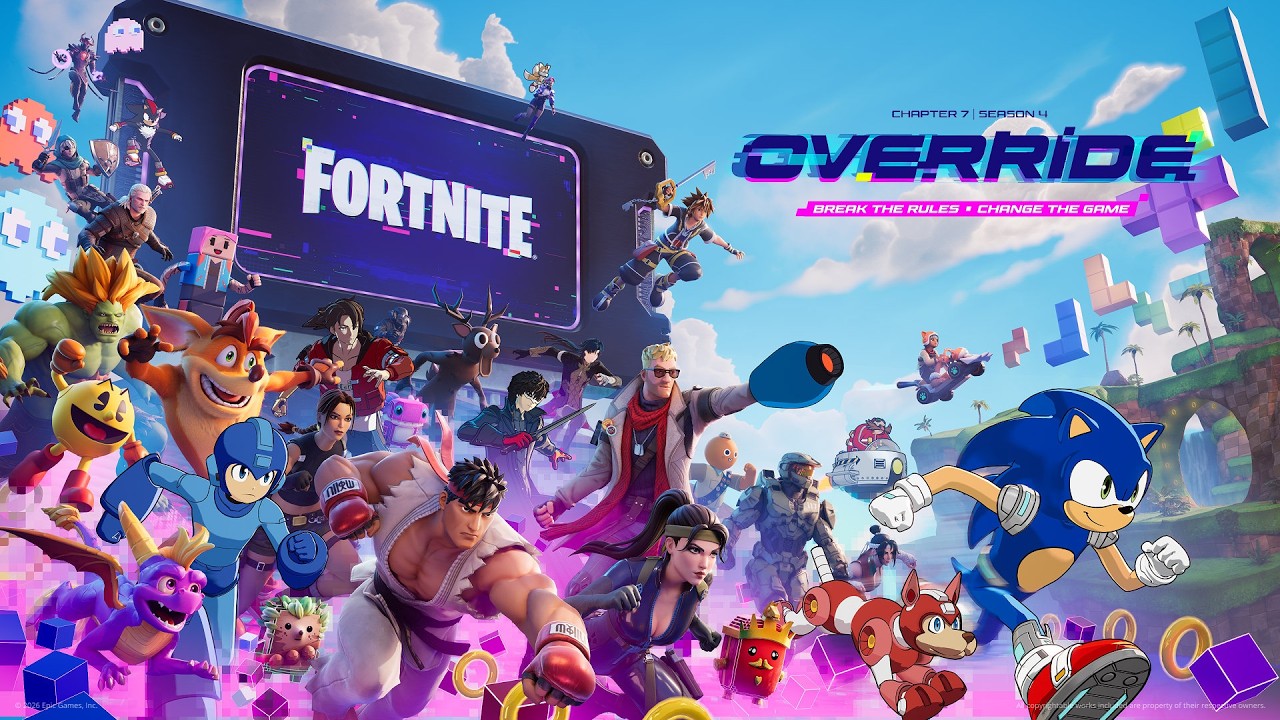
Fortnite Account Security: Enable 2FA & Check the Correct Epic Account
Enable Epic Games 2FA, protect linked sign-ins and understand why Fortnite may not recognise security enabled on a different account.
Fortnite Account Security: Enable 2FA & Check the Correct Epic Account
Protect the account that holds your Fortnite progress
Epic recommends a unique password, a verified email you can keep accessing, and two-factor authentication. Linked console and social accounts also need protection because they can provide access to Epic. Only enter credentials on official sign-in pages.
Enable two-factor authentication
- Open the Password and security section of your Epic Games account.
- Under Two-Factor Authentication, choose Set up for the method you want.
- Complete verification using the code for that method.
- Check that the method is shown as active. If you set up more than one, select the preferred primary method.
Epic documents 2FA requirements for Fortnite gifting and competitive events. A Cabined Account can have different available features.
If Fortnite still says 2FA is missing
Epic's support article says a common cause is enabling it on a different Epic account from the one used to play. Console players can also have an account without its own email address. Check the actual playing account before repeatedly changing authentication settings.
Keep promotions inside supported routes
Epic warns against unofficial free-V-Bucks offers and buying or sharing accounts. A request to hand over a password, security code or account access is not part of a normal reward claim. The official Override season's in-game Cheat Codes and Lobby Hacks are separate gameplay features; their names do not authorise an unrelated website or download.
A useful account check
GetCheatBeacon recommends recording which sign-in method reaches your actual Fortnite progress, then checking that you still control the associated email. On a shared device, avoid leaving the account signed in. If you are already locked out, use Epic's official recovery support rather than someone offering to recover it through messages.
For purchases, see the Item Shop and returns guide. Never share recovery codes with another player or a supposed giveaway organiser.
Official sources
Checked October 9, 2026. Epic source 1; Epic source 2; Epic source 3. Practical gameplay and shopping checklists are GetCheatBeacon advice. Seasonal information can change.