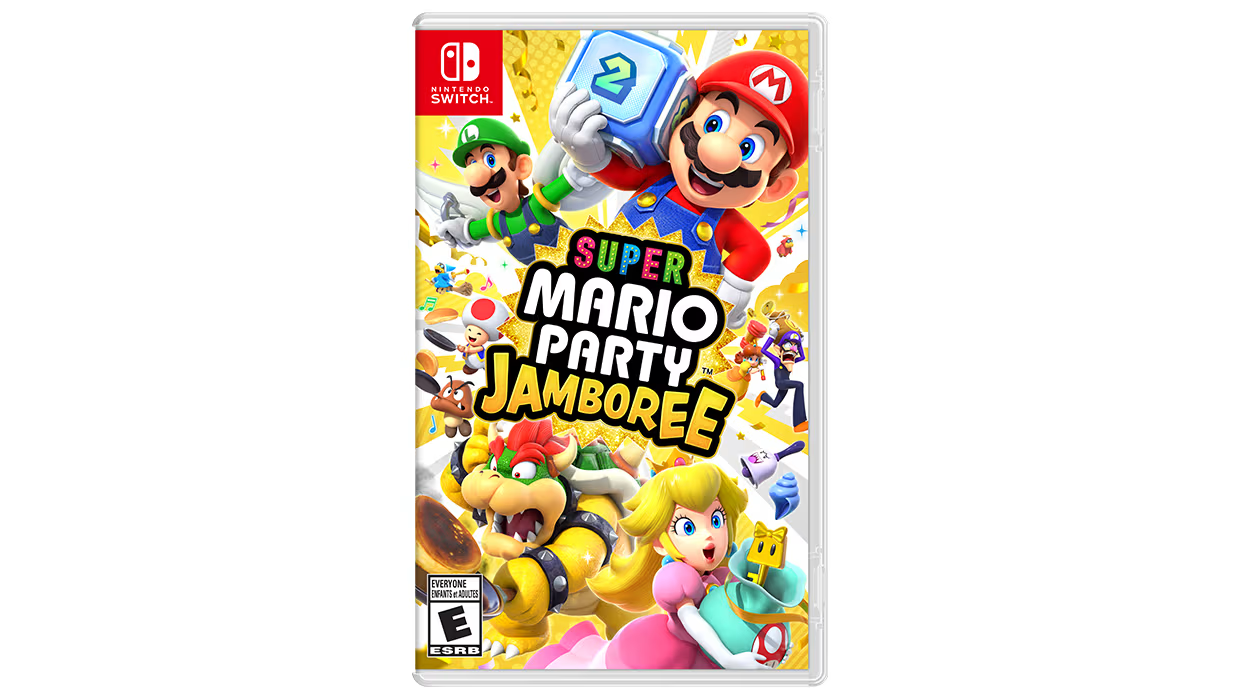
Super Mario Party Jamboree Multiplayer: Agree on Edition, Rules & Controls
Set up a Jamboree session with clear rules, compatible controls and expectations for how competitive the group wants to play.
Super Mario Party Jamboree Multiplayer: Agree on Edition, Rules & Controls
Super Mario Party Jamboree Multiplayer: Agree on Edition, Rules & Controls
Confirm which version everyone means
The Nintendo Switch game and Nintendo Switch 2 Edition with Jamboree TV have different advertised content. Nintendo describes additional Jamboree TV play options; check the version and selected mode before promising a feature to the group.
Choose the session before starting
Agree on the board, rules and available time. Explain whether the group wants a relaxed learning session or a competitive game where everyone understands the selected rules. A quick discussion beforehand prevents disagreements about an intended rule becoming a surprise later.
Check controllers and accessibility needs
Let each player test the controls before committing to a long game. Read the mode requirements for the hardware in use. If a player cannot comfortably use the selected control method, choose an available alternative before the session begins.
Explain competitive choices openly
Tell new players what a visible decision changes without making the choice for them. Give everyone time to read an unfamiliar prompt. Players can still compete seriously while understanding what they are agreeing to.
Keep edition-specific advice separate
When looking up a tip, match the title, platform and mode to your session. A strategy for an added Jamboree TV mode is not automatically a rule of the base board game. Use Nintendo documentation for feature availability rather than assuming every online clip shows the same edition.